01 — Opportunity
The opportunity
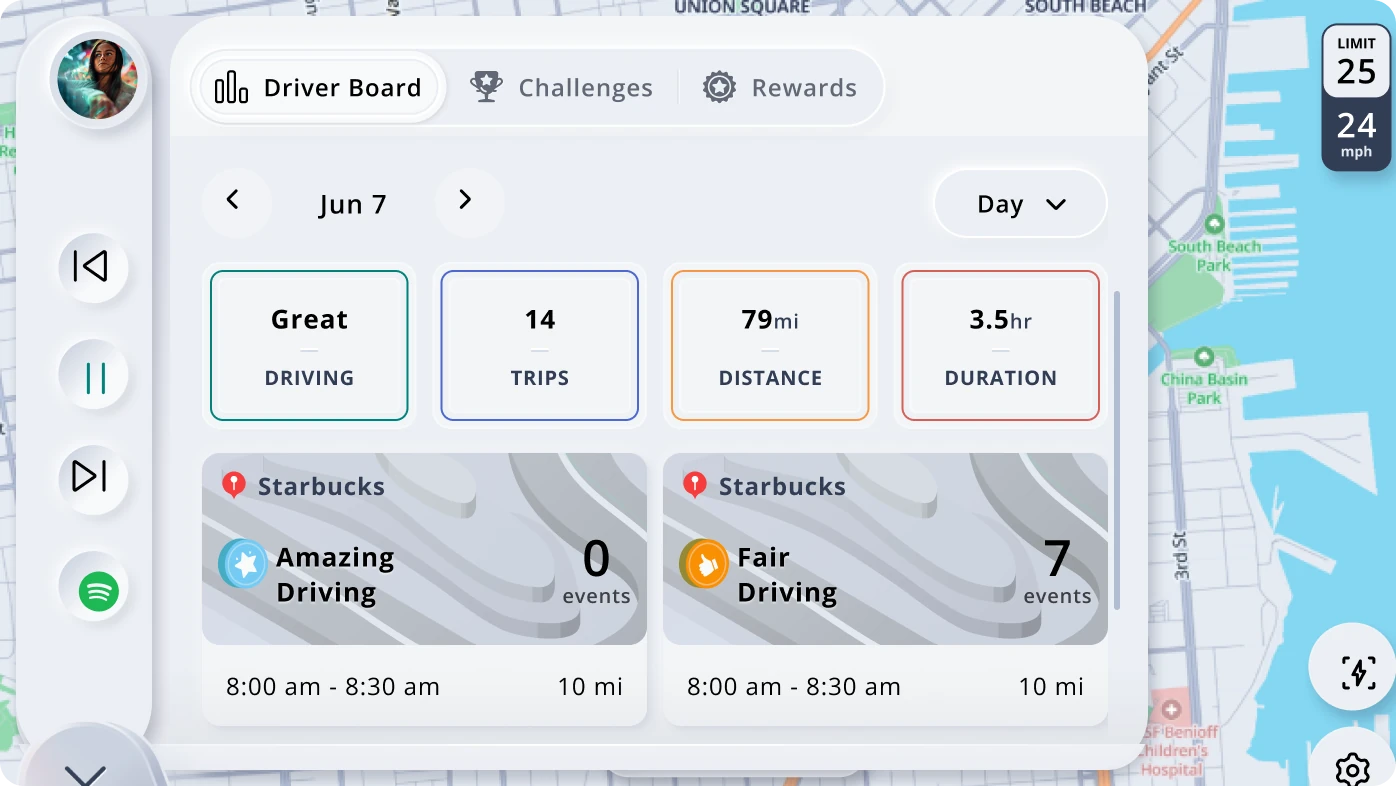
We wanted to make the car a companion device for the Novo mobile app. With established OEM partnerships and new ones in development, Telenav had an opportunity to extend Novo into the vehicle.
We already had an in-car product, Scout Launcher, developed by another team. Its design system became our starting point. Before applying Novo’s identity, we needed to make that system more consistent and reusable across products and display sizes.
02 — Role
My role
I led the standardization effort with two other visual designers and owned the responsive work.
Our team reviewed the existing system, identified common patterns, and turned them into shared rules. My responsive work included mapping display configurations and defining how layouts would adapt across different sizes and proportions.
We then applied that foundation to a Novo-branded solution pitched to Stellantis.
03 — Standardizing
Standardizing the
existing system
The original system had accumulated hundreds of colors and many variations in icon sizes, buttons, spacing, and effects. That made it difficult to establish a consistent foundation for additional products.
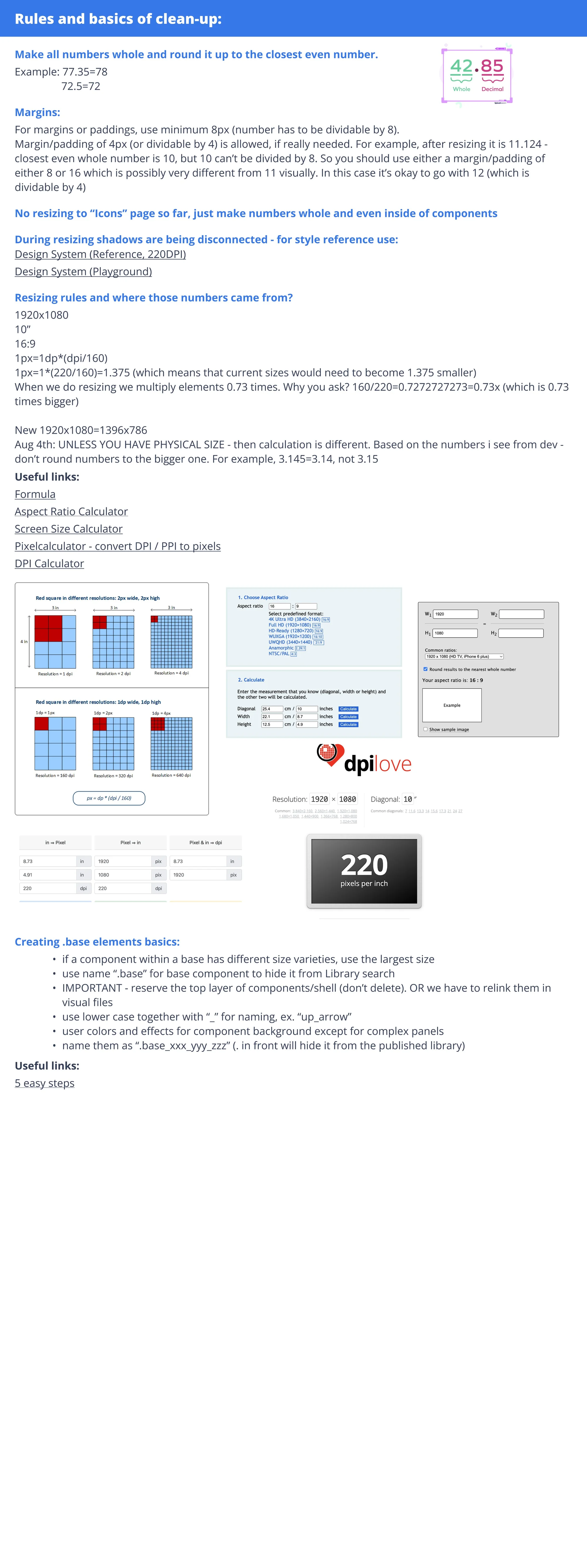
We began by normalizing the designs to a 160 dpi baseline. This gave us a common reference for comparing dimensions across displays.
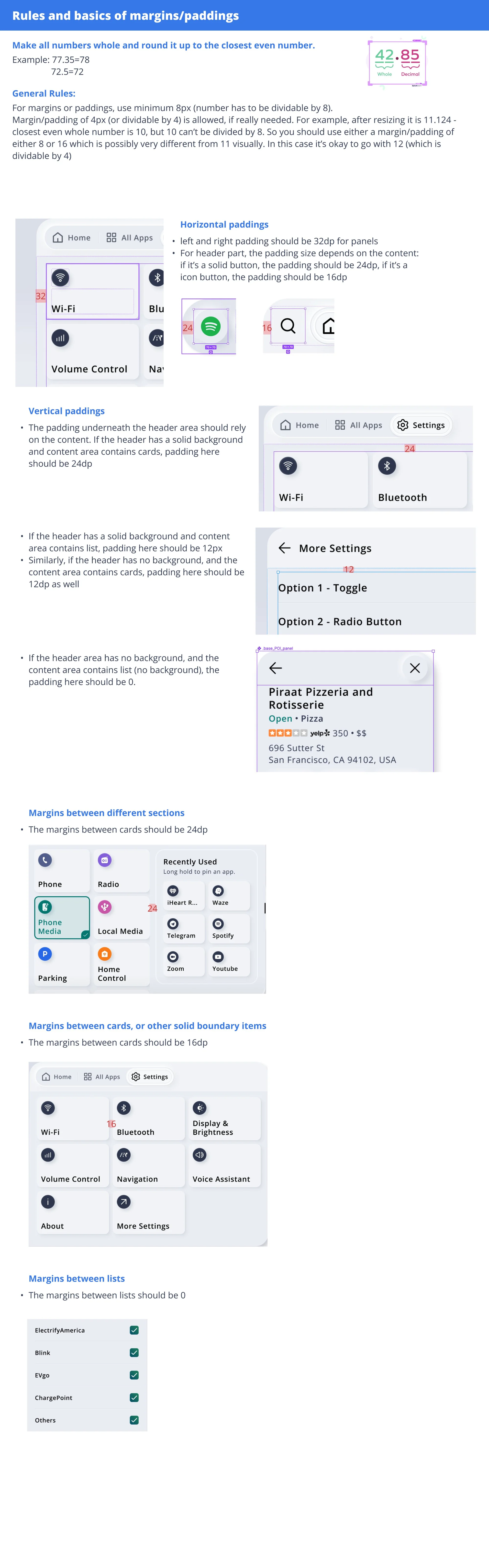
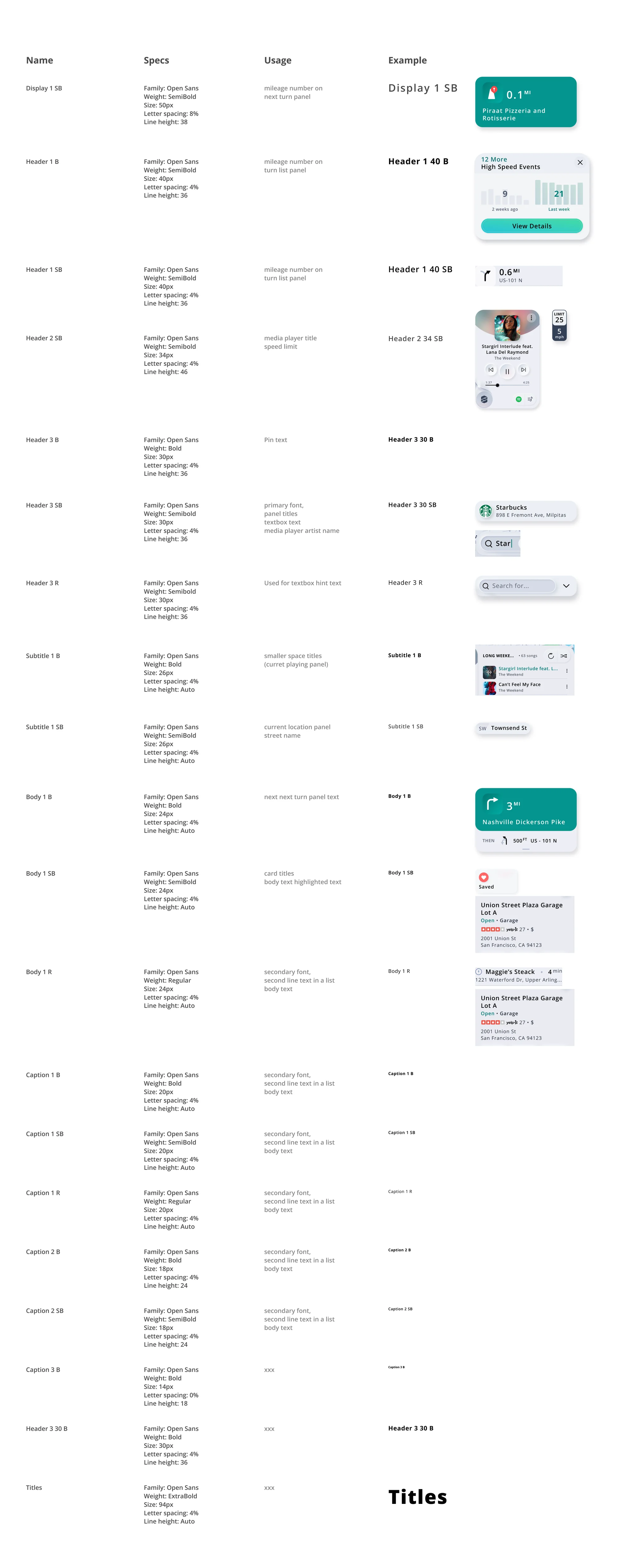
From there, we reviewed margins, padding, shadows, and component sizing to identify patterns that could be shared. We consolidated those patterns into rules that could support different products while keeping their underlying structure consistent.
Rules I set for the team
Scroll inside the sheet.
Click it to zoom.
04 — Responsive
Defining
responsive behavior
The foundation needed to accommodate more than twelve in-car display configurations, with different proportions and usable content areas.
I mapped those configurations and defined four main layout tiers. The rules described how navigation, content density, and supporting information would change with the available space.
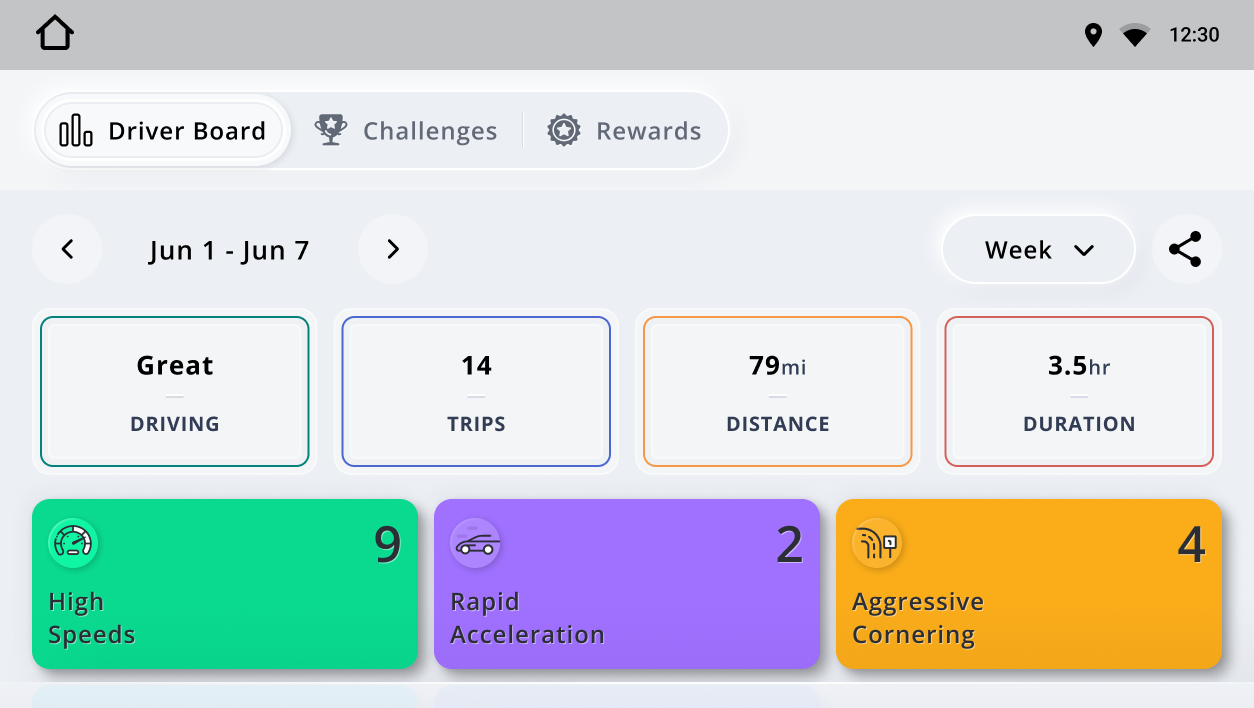
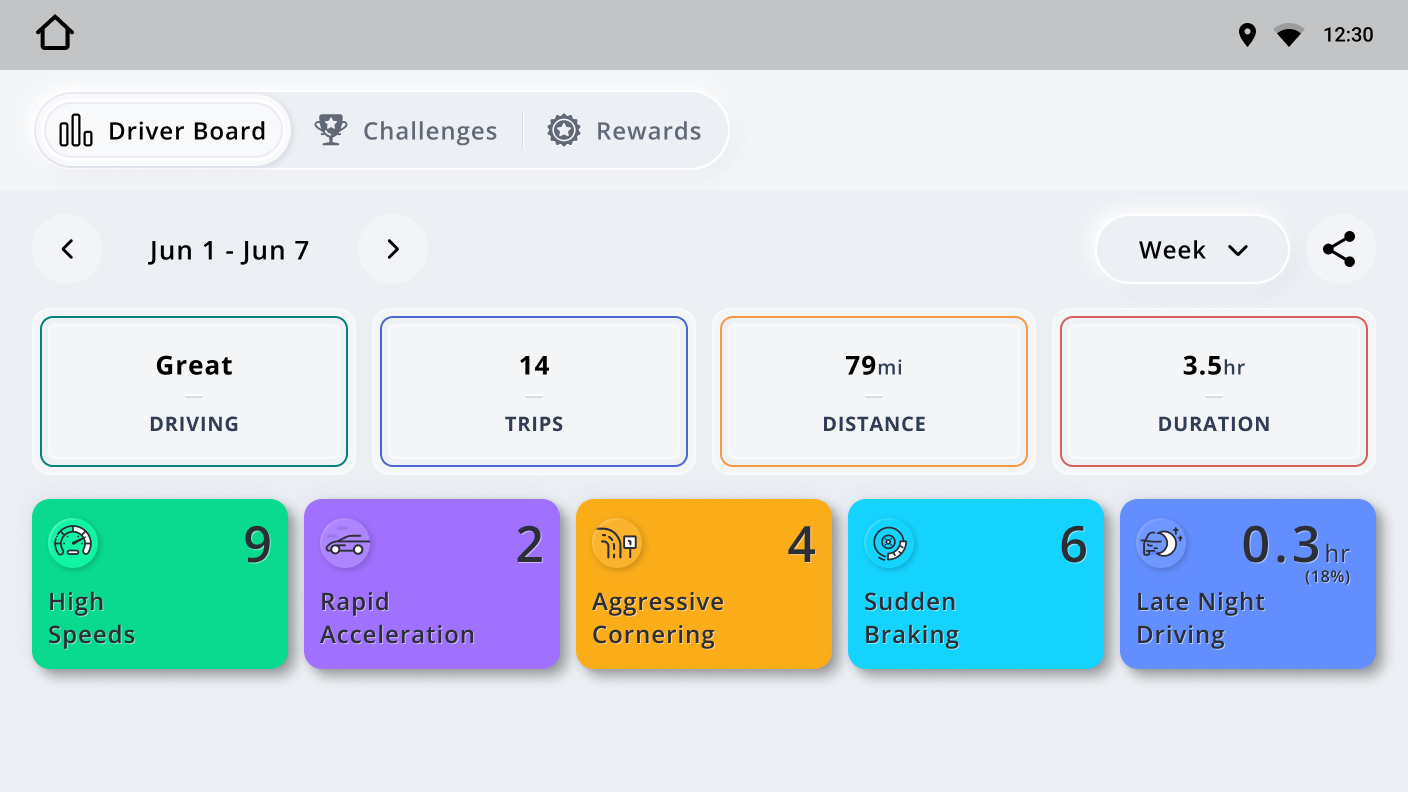
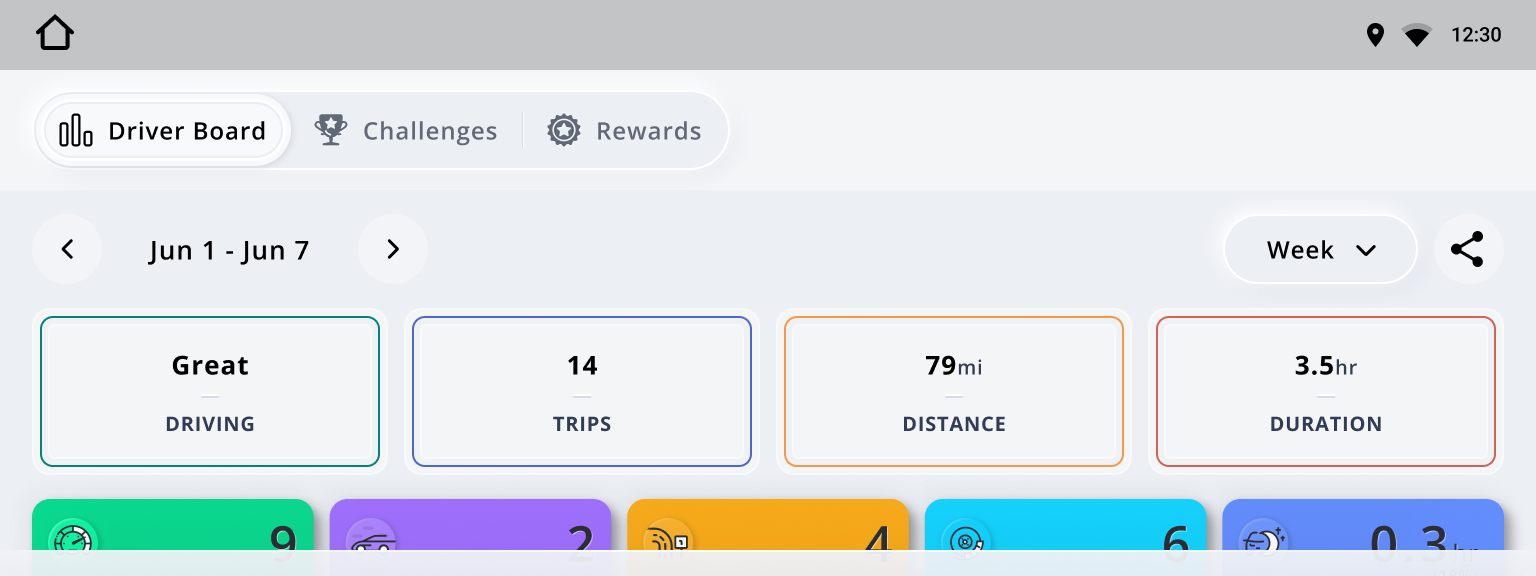
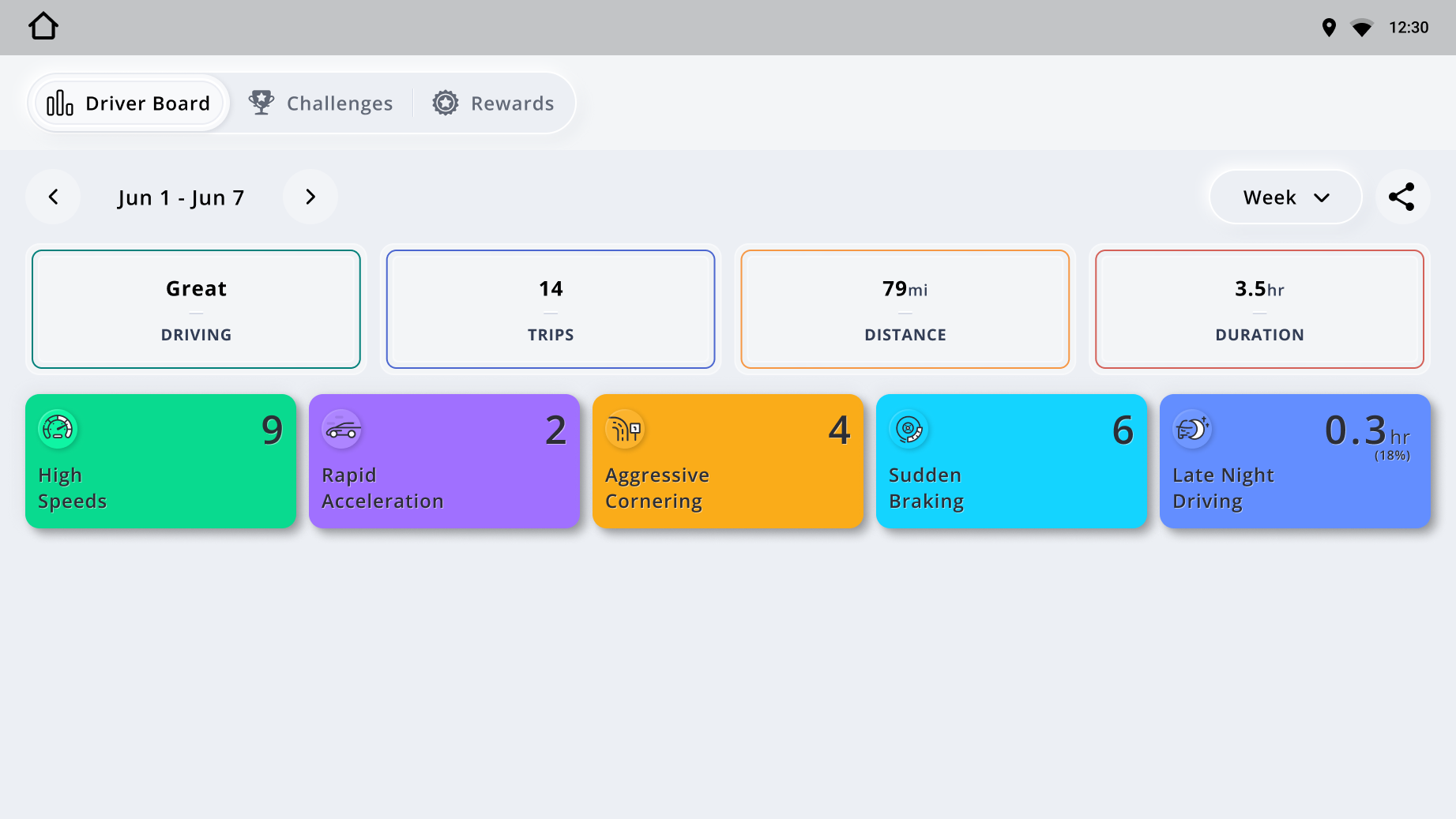
For example, a compact Driver Board showed four safety-stat cards. Larger layouts could accommodate five, while the largest included a persistent detail panel. Ultra-wide displays required a different arrangement because their additional width came with limited height.
Research: every display configuration mapped
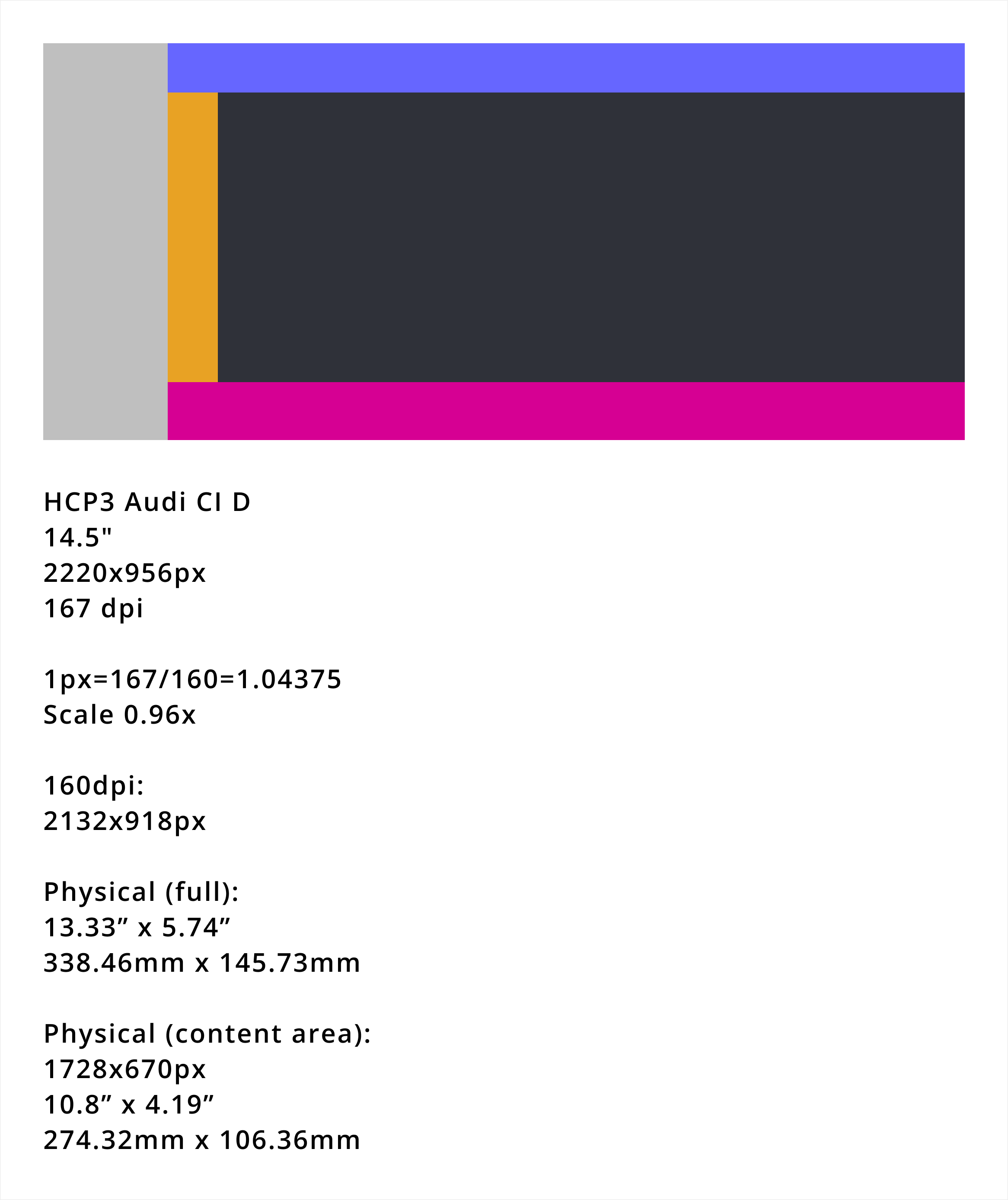
HCP3 · Audi 15"
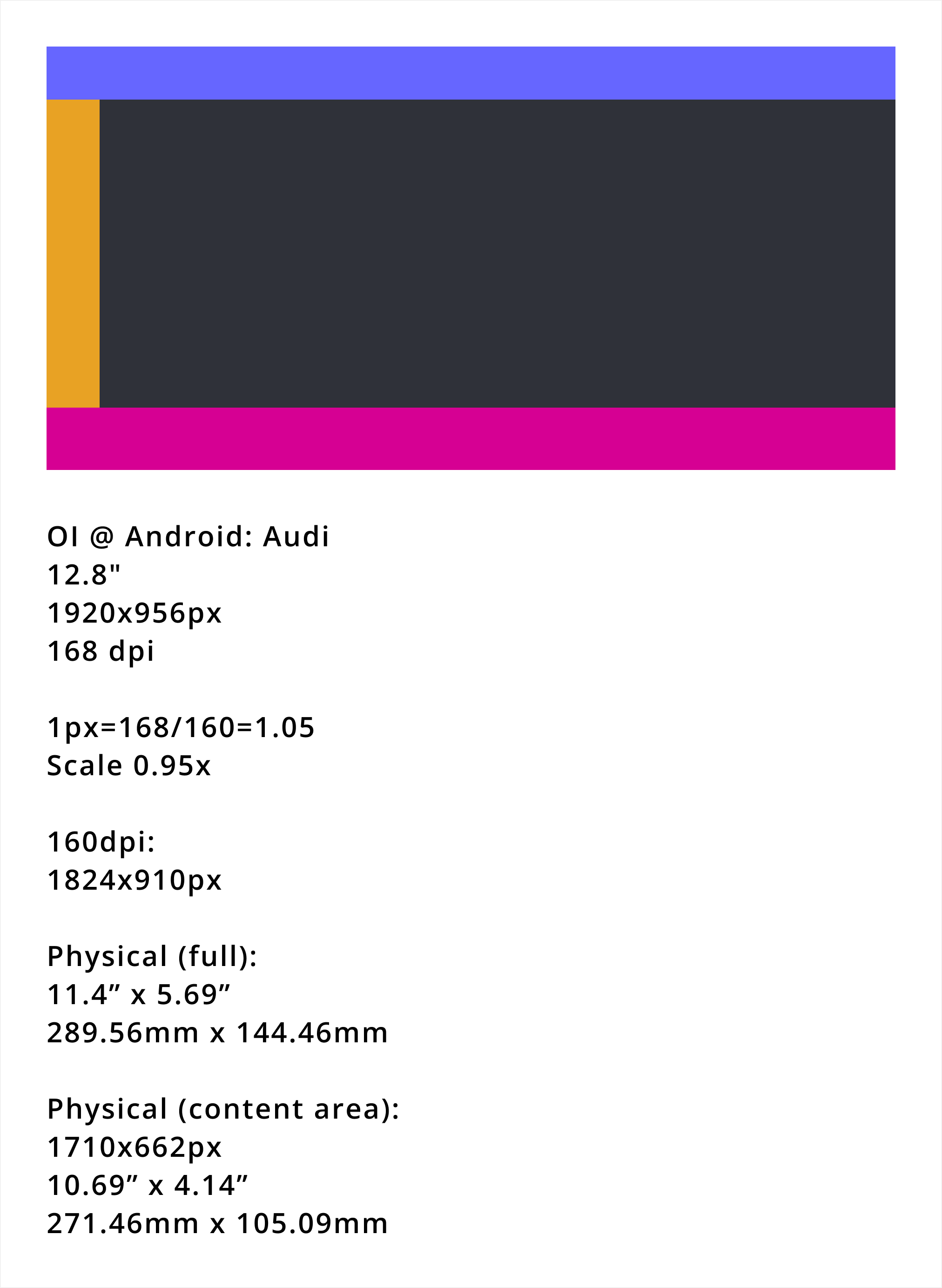
OI @ Android · Audi 13"
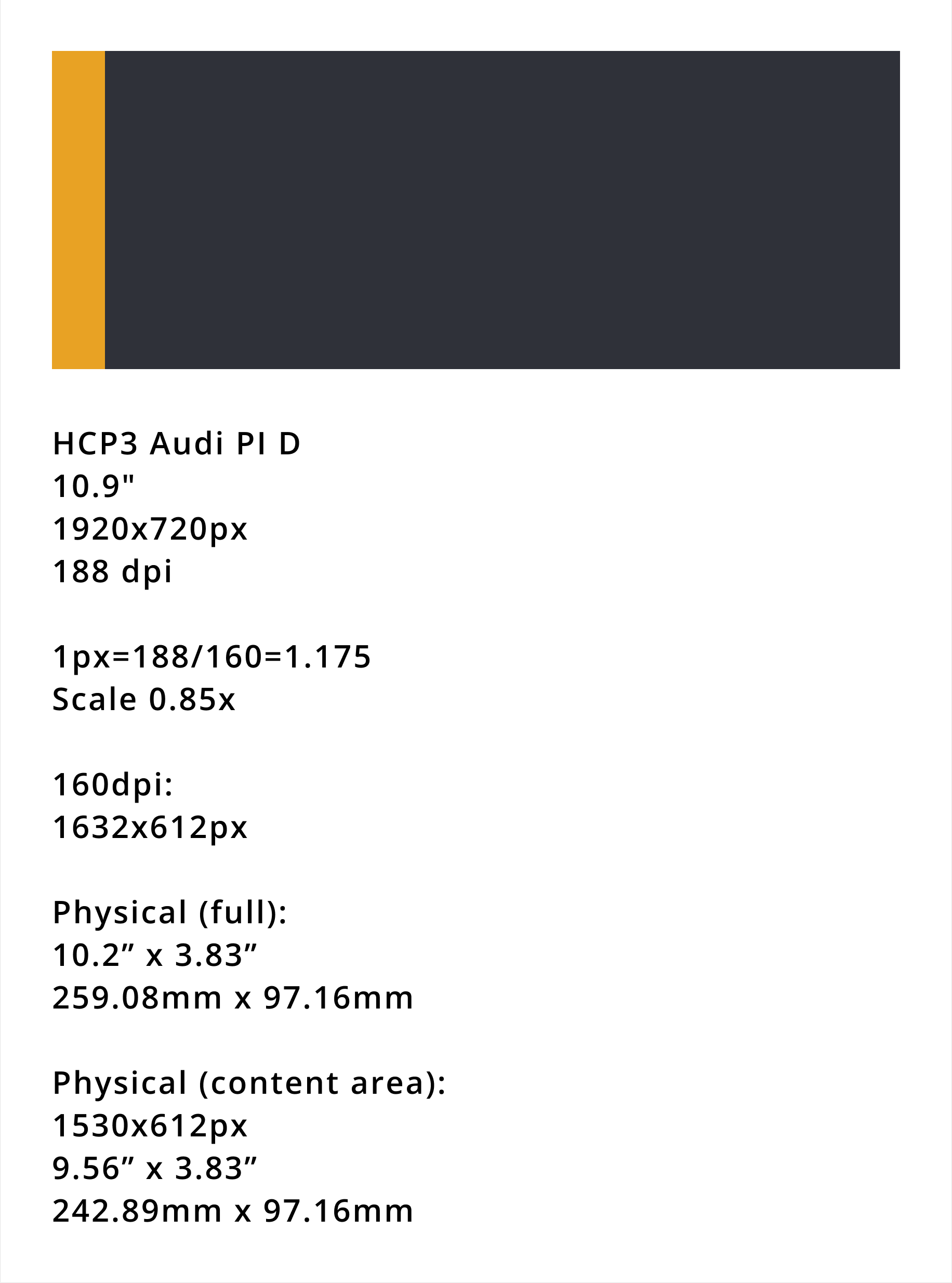
HCP3 · Audi PI D 11"
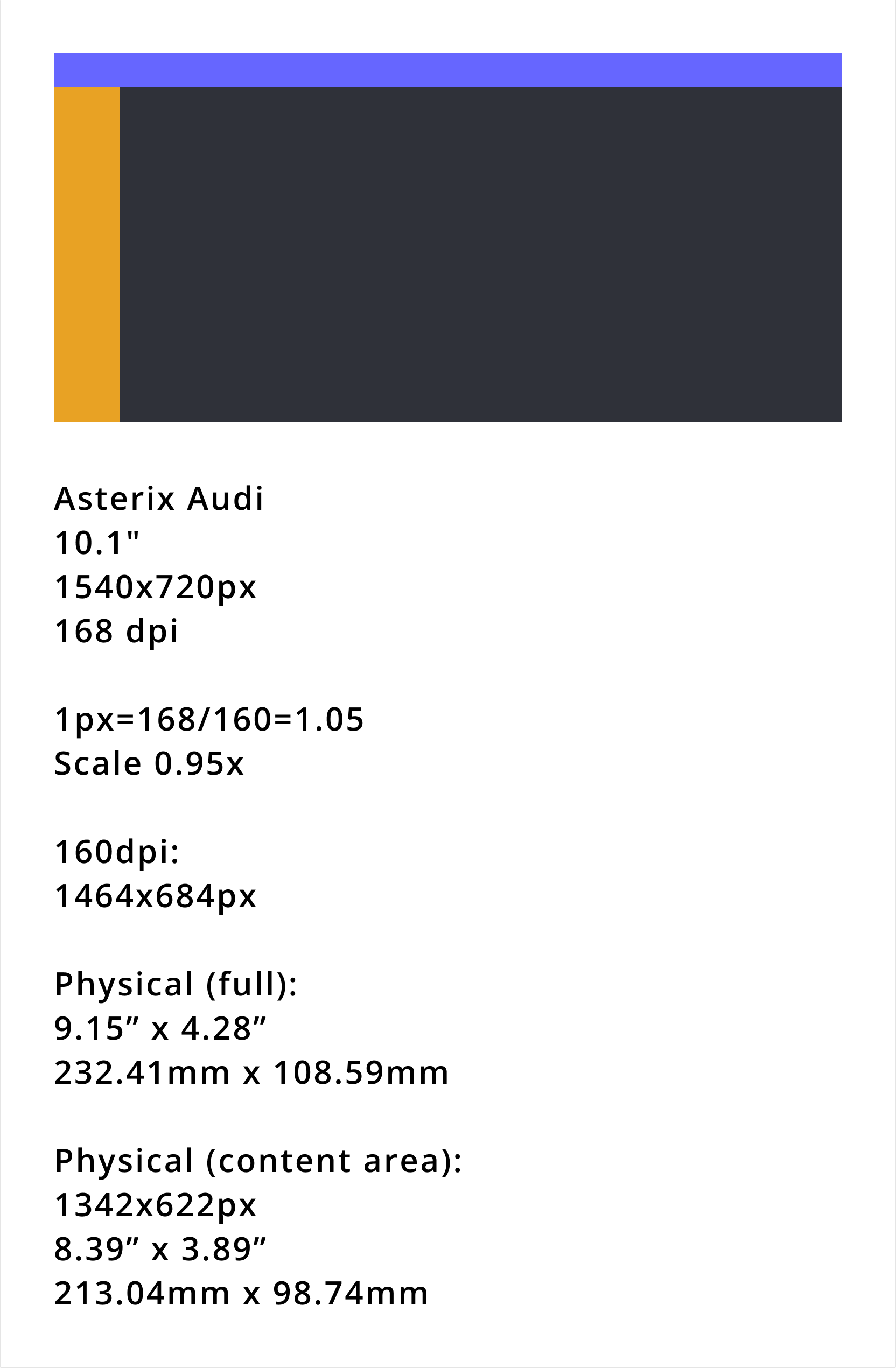
Asterix · Audi 10"
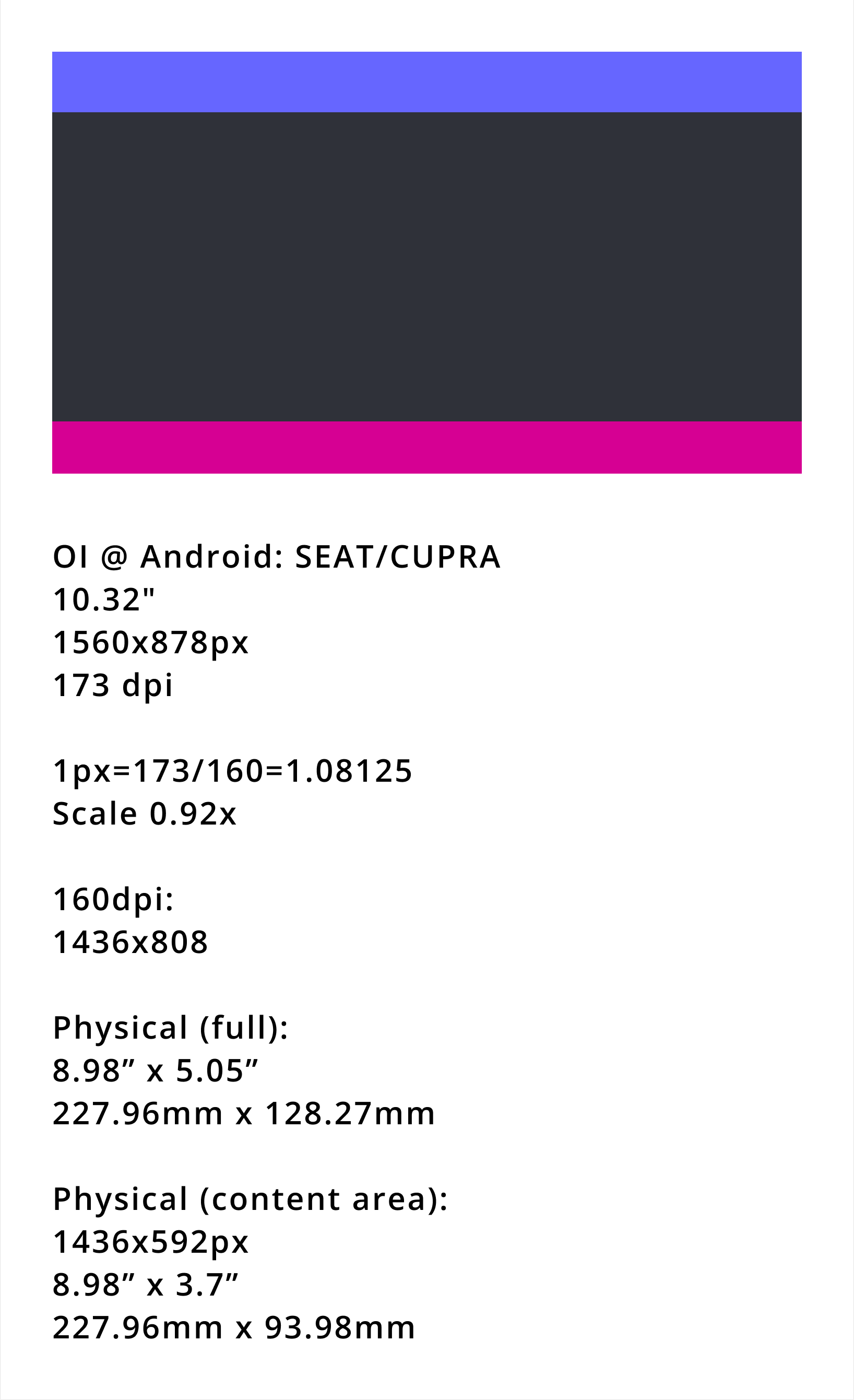
OI @ Android · SEAT/CUPRA 10"
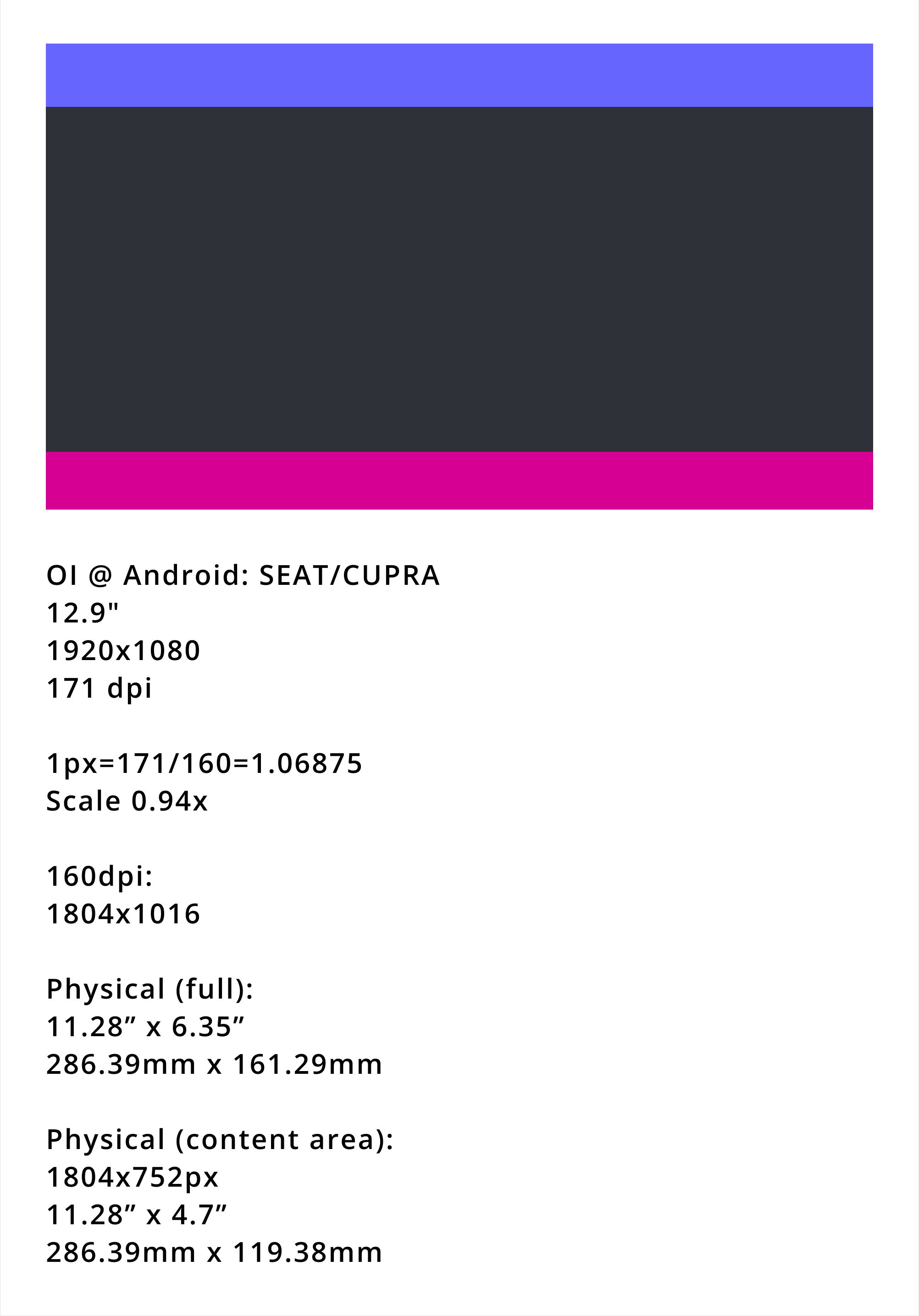
OI @ Android · SEAT/CUPRA 13"
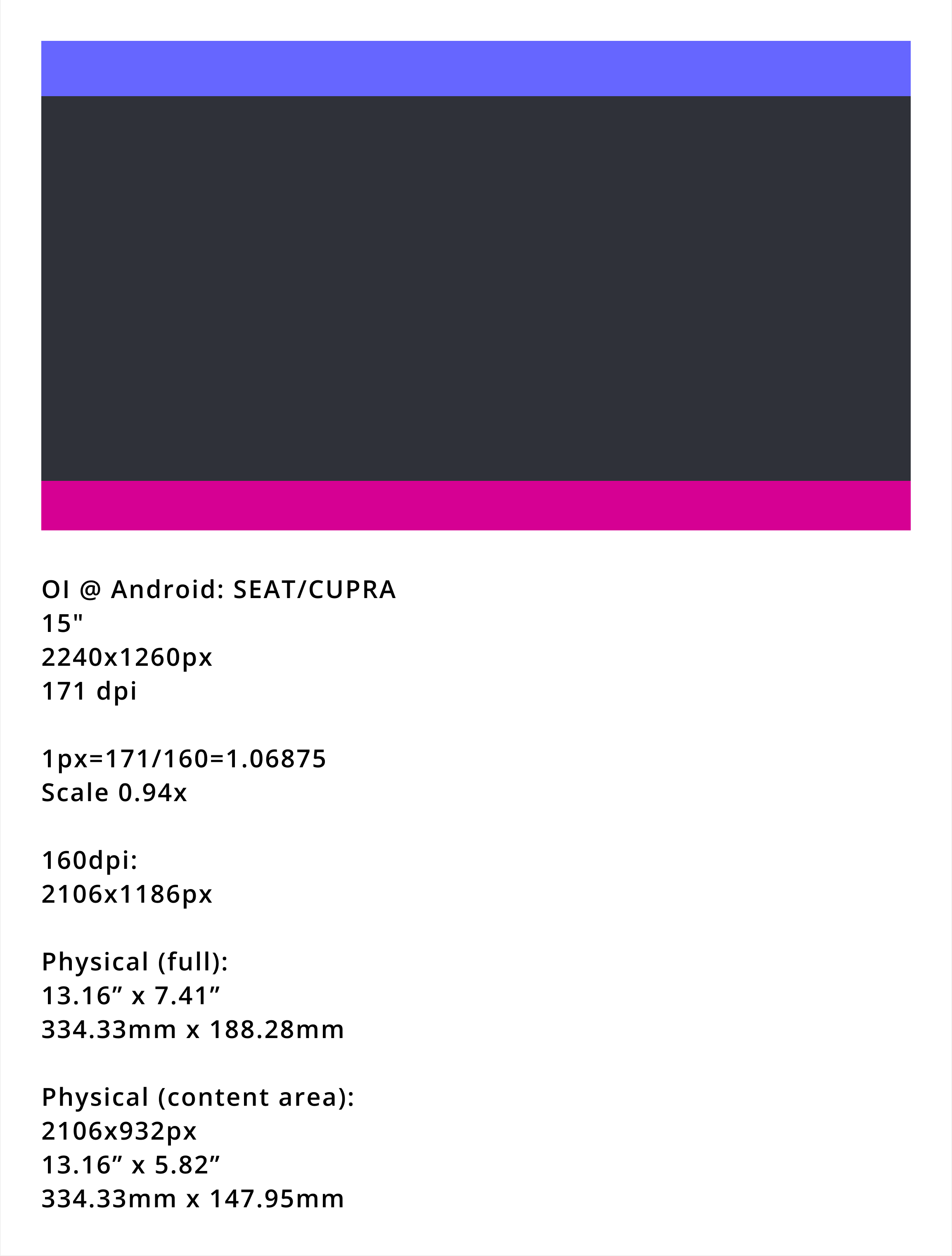
OI @ Android · SEAT/CUPRA 15"
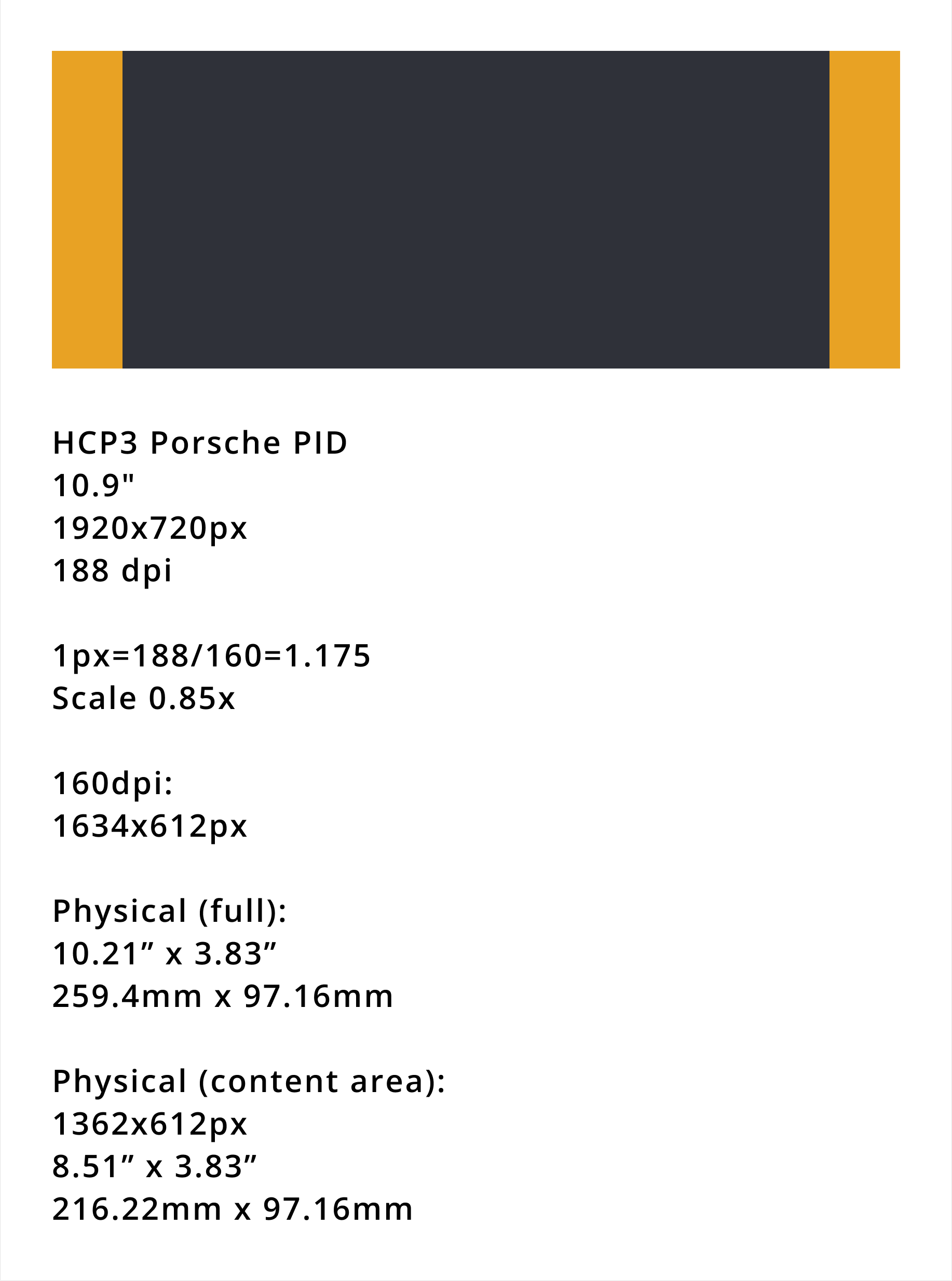
HCP3 · Porsche PI D 11"
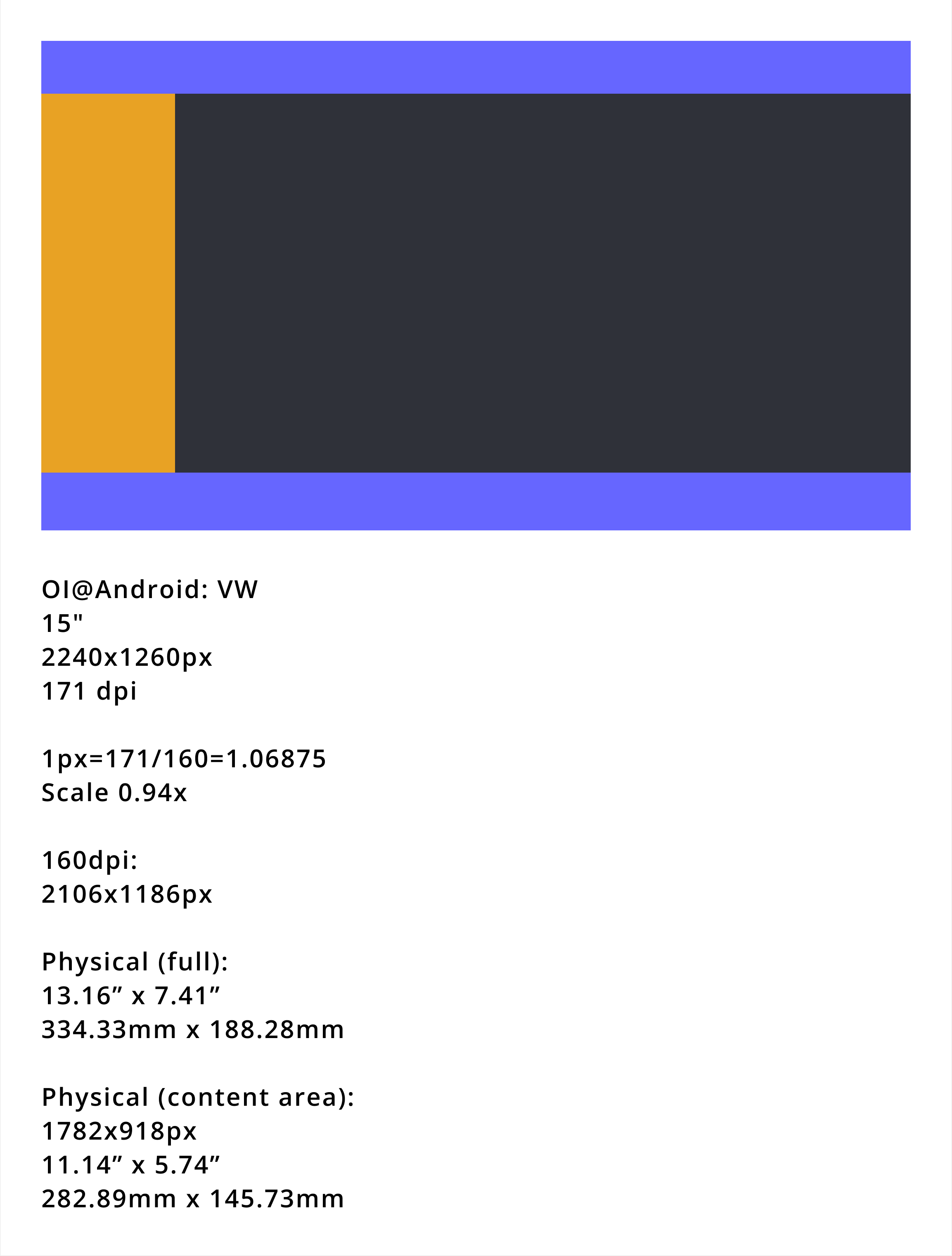
OI @ Android · VW 15"
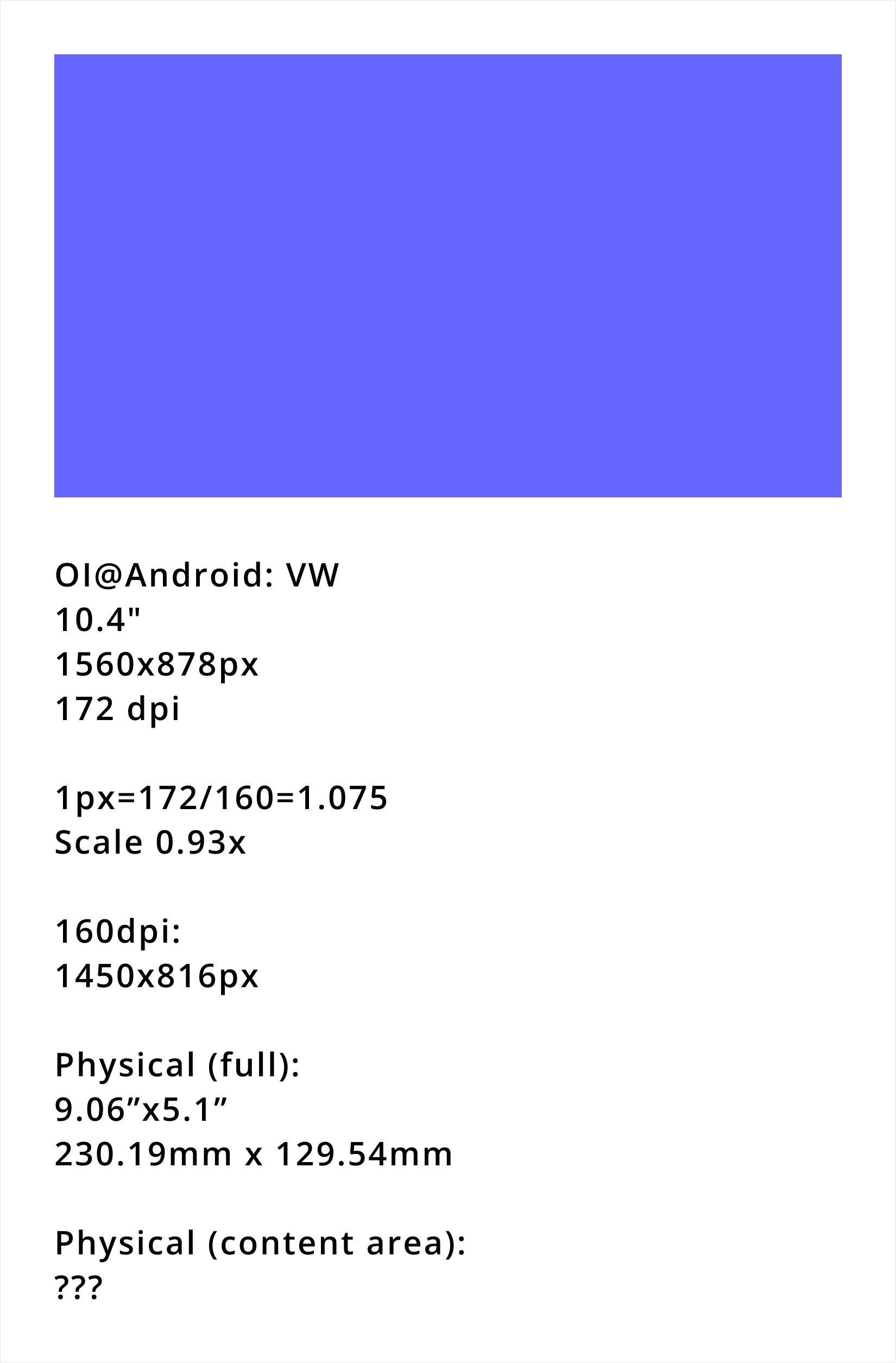
OI @ Android · VW 11"
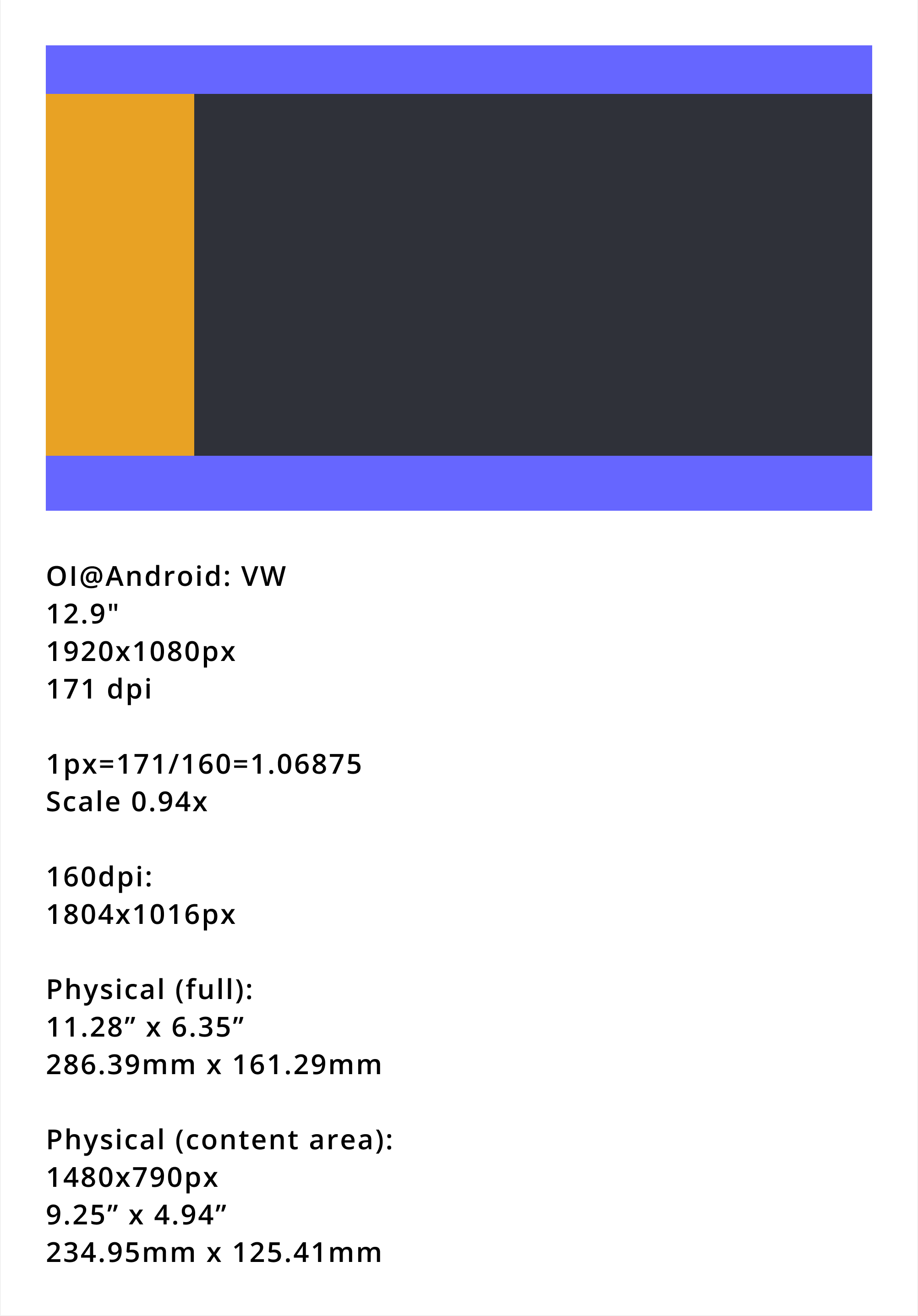
OI @ Android · VW 13"
The decision: four layout tiers
Driver Board
Standard layout. 4 safety stat cards visible.
Trip Details
Event tabs displayed at top.
Driver Board
Content area ≥ 1298px: 5 safety stat cards now visible.
Trip Details
Event tabs move from the top to a left sidebar.
Driver Board
Wide layout, optimised for low aspect ratio.
Trip Details
No in-app menu bar. Exit via hardware button or head unit dropdown.
Driver Board
Full layout. All 5 stat cards and a persistent detail panel.
Trip Details
Full side-by-side layout, maximum content density.
Output: the Driver Board at each tier
05 — Novo’s identity
Applying
Novo’s identity
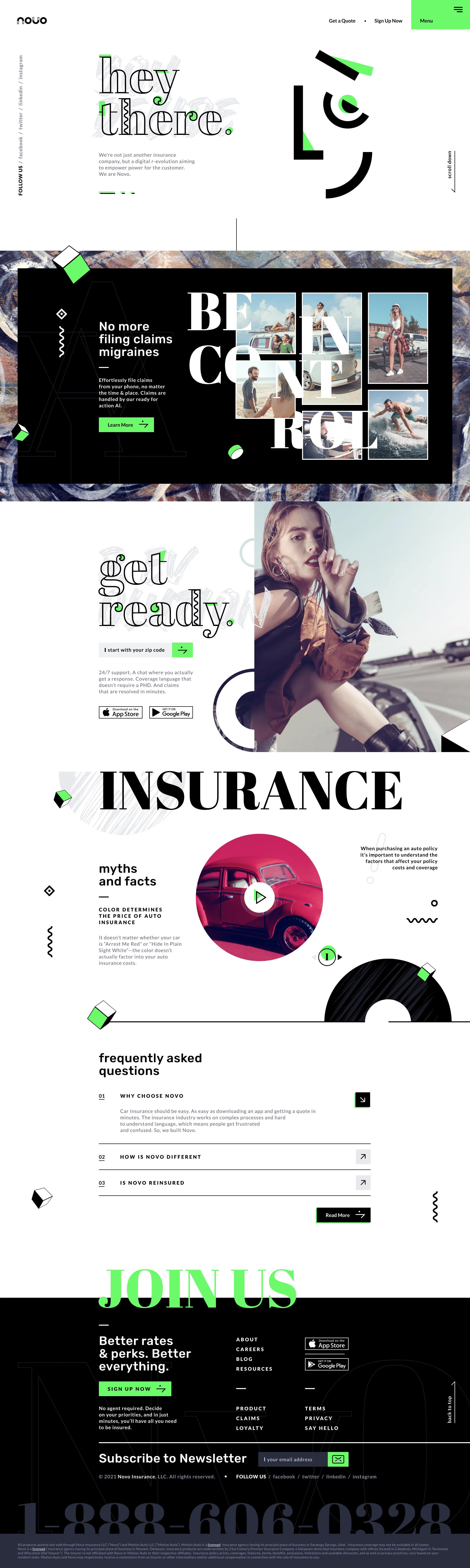
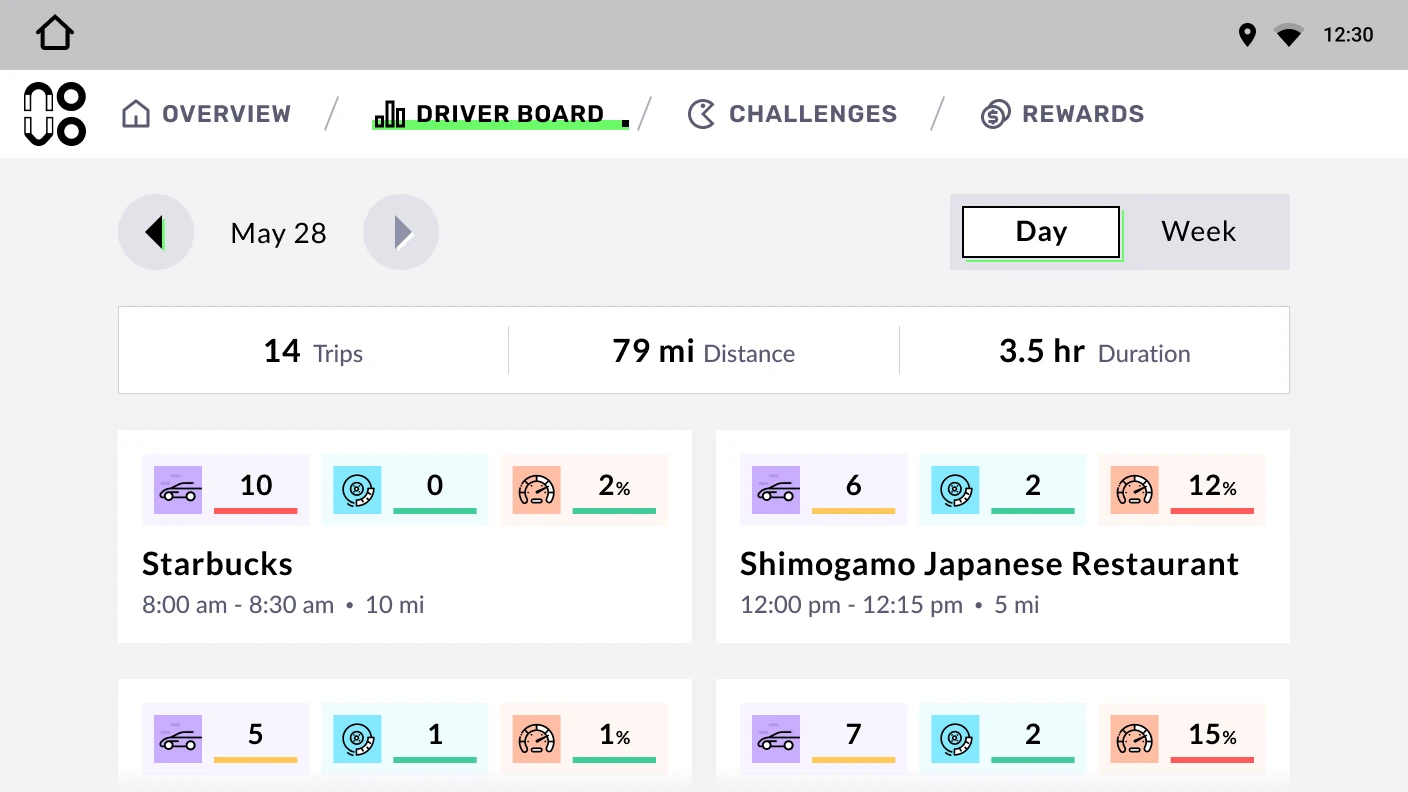
Novo’s visual style was brighter and more minimal than Scout Launcher’s, and the app had substantially less functionality.
We removed components and features that Novo didn’t need, applied its visual identity, and toned down its expression for the driving environment. The result was a simpler application of the shared foundation, with the core sizing, spacing, and responsive rules retained.
This allowed us to adapt the experience to Novo without carrying over all the complexity of the original product.
Novo website Scroll inside. Click to zoom.
Novo in the car · 10.1"
06 — Limitations
Practical
limitations
My initial responsive approach was highly flexible, but it pushed against Figma’s capabilities at the time. The file became too heavy, and the development team found it difficult to use.
We invested considerable effort in documenting and discussing responsive behavior. However, those rules were not applied in implementation until shortly before the project was discontinued.
07 — Reflection
Outcome
and reflection
Our design work turned an existing product-specific system into a more consistent foundation for reuse and applied it to a Novo-branded in-car experience.
The implementation gap limited our ability to evaluate the responsive system in production. It also highlighted that a system’s usefulness depends on how readily the team can adopt and build it.
Looking back, I would work with engineering to build and check one screen across different display sizes early in the project. That would help us see whether the responsive rules were practical to implement before applying them to the rest of the app.